Someone fills in the form on your website, emails, or calls. Until now that first approach lived in an inbox, and whether it was answered depended on who saw it. Enquiries in tiny+ now keep every one in a single place, with who asked, who is replying and how long they have waited.
However it arrives
- A web form that tiny+ hosts for you. Design it with a live preview, then link to it or paste one snippet into your website.
- Email. On Pro, mail sent or forwarded to your firm’s enquiries address becomes an enquiry.
- By hand, for a phone call or a conversation.
- The API, for your own website or another system.
If the sender is already one of your contacts, the enquiry is linked to them and their company. What was sent is kept exactly as it arrived.
A board, and a reply clock
The board has a column for each phase and a card for each enquiry. Tiles above the columns count what needs attention: unassigned, new today, reply due today, overdue. New enquiries can wait in the Inbox for someone to take, go to one person, or go round a group in turn.
You decide how soon a first reply is due. The owner is reminded on the morning it is due, and your enquiry managers are told when a reply is late.
A project, a contact, or a reason
Convert an enquiry into a project and its subject, description, location, tags, notes, files and open tasks come across. Or keep just the contact and book a follow-up. Closing asks why, so the Enquiry Results report can show where enquiries come from, how fast you reply, how many become projects, and why the rest are turned away.
A summary and a draft reply
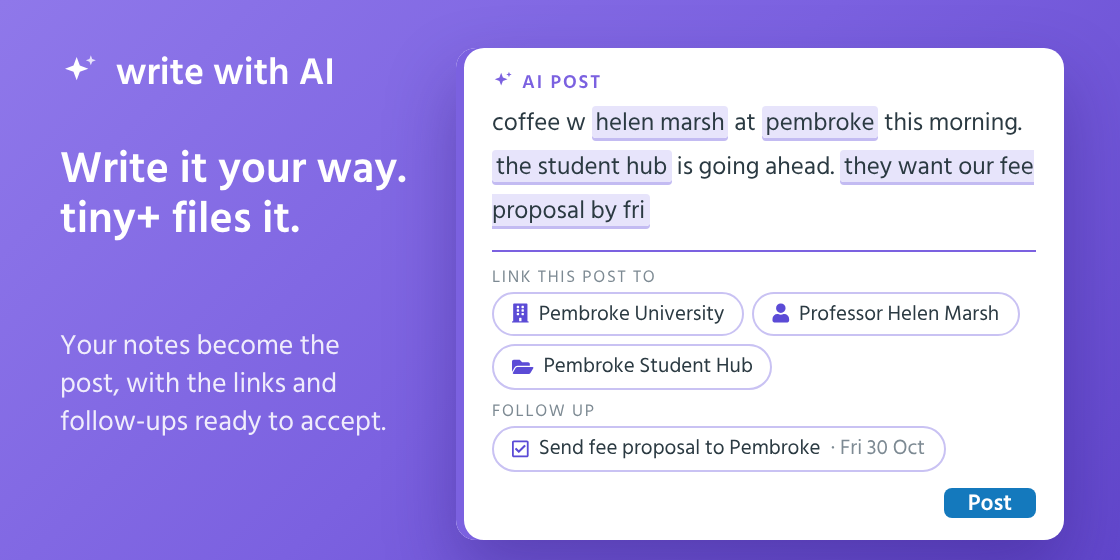
On Pro, an account admin can have the tiny+ AI engine read each enquiry. It adds a one-line summary to the card and drafts a reply that thanks the sender, says what you understood and asks the questions worth asking next. It never quotes a fee, a date or your availability. You edit it and send it from your own email: nothing is sent from tiny+.
To write it, who asked, the subject and the text are sent to Anthropic’s Claude. Attachments are not, and held or confidential enquiries are never read.
Turning it on
An account admin switches enquiries on under Account Settings → Enquiries. One web form comes with every plan. More forms, enquiries by email, each-in-turn assignment and AI reading come with Pro.