Most of a design firm’s next year comes from this year’s clients. Everyone knows it, and the follow-up still depends on who remembers. Relationship plans take the remembering out of it.
A schedule for each client
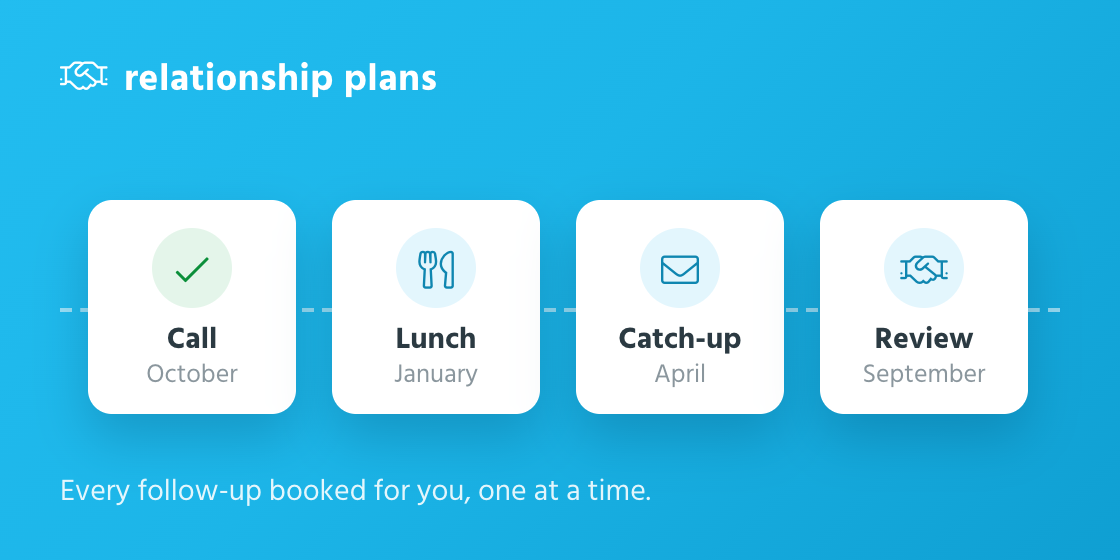
A plan puts a company on a schedule of follow-ups: a call every month, lunch every quarter, a review once a year. It names the contacts you want to stay close to and the person who owns the relationship. tiny+ books each follow-up as a task for the right person and reminds them on the morning it’s due.
Start from one of six templates, such as New client: first 90 days, Key client programme or Re-engage a past client, or build your own.
One follow-up at a time
Each step has one follow-up open at a time. The next is booked when you deal with this one, so your task list never fills up with a year of catch-ups.
Log it in a click
When you’ve been in touch, press Log it, say how and with whom, and add your notes. The notes are posted on the company’s feed and on each contact’s, so the next person to pick up the phone knows what was said. No answer? The follow-up comes back a few working days later.
If the contact has already happened, because a colleague met them or an email was logged, the plan notices and offers to count it. It always asks first.
See which relationships are on track
Each plan shows as on track, due soon or overdue. My plans lists every plan you own or are on the team of, grouped by when the next follow-up is due, so you can work down the list after a day of calls.
Relationship plans are part of the Pro plan. Open a company, find the Relationship Plans panel, and set up the first one.